A free UGC portfolio brands actually open.
A UGC portfolio is one web page that shows brands the short videos you can make for them, a line about who you are, and how to hire you. It is the link at the end of every pitch. Plug Pro builds one free from 18 layouts, and one sample is enough to start.
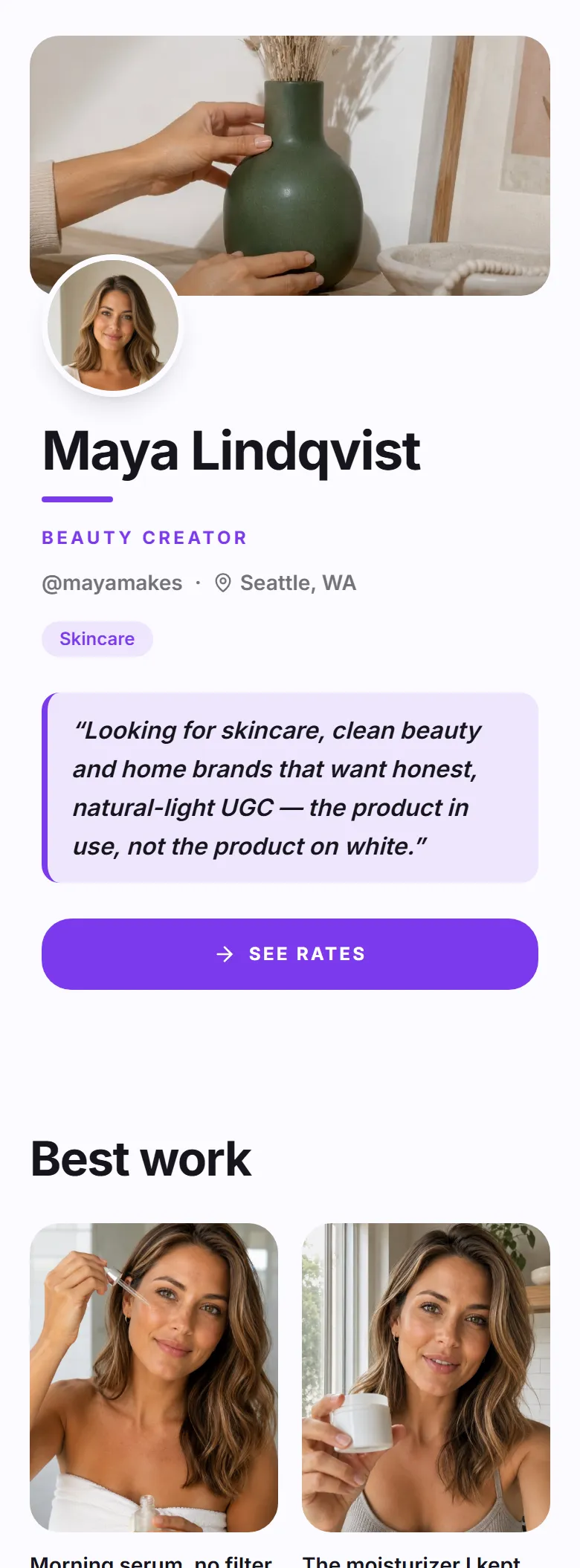
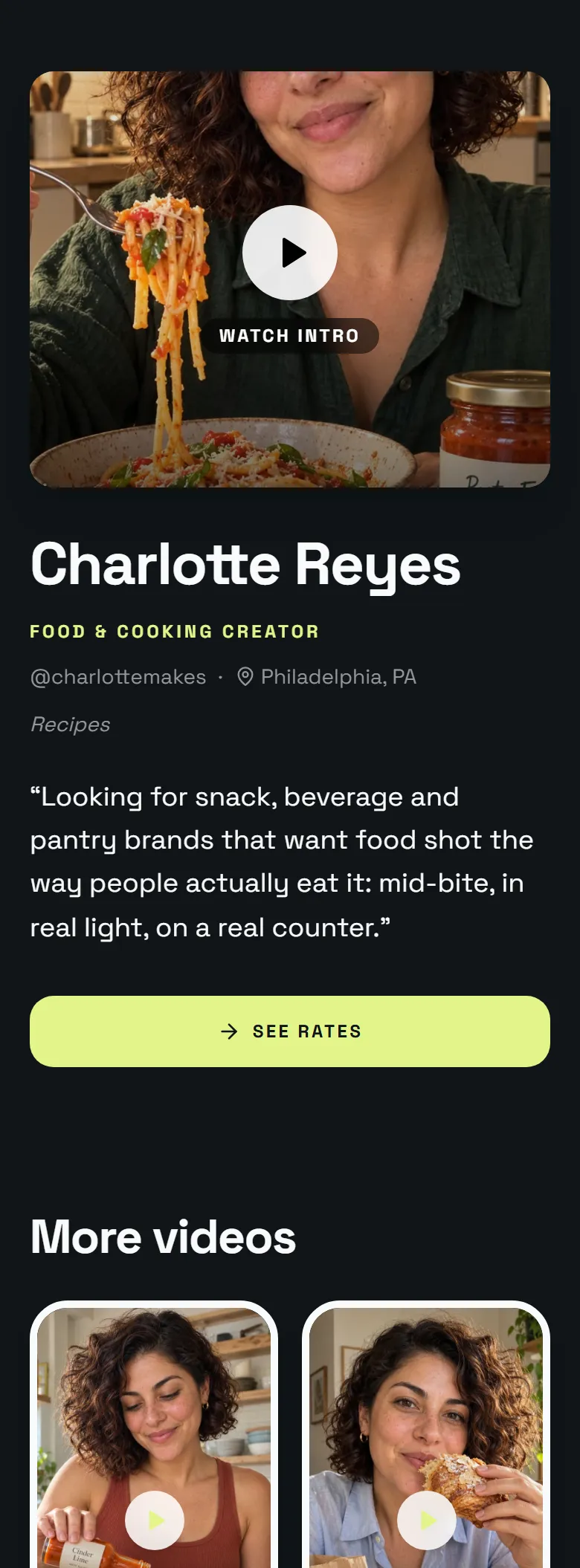

What is a UGC portfolio?
UGC stands for user-generated content: short, natural videos of a real person using a product. Brands pay creators for them because they work better as ads than polished studio videos, and they run them on their own accounts, so you do not need followers.
A portfolio is how a brand decides to hire you. A busy marketer will not download attachments from a stranger, but they will tap one link and watch ten seconds of your video.
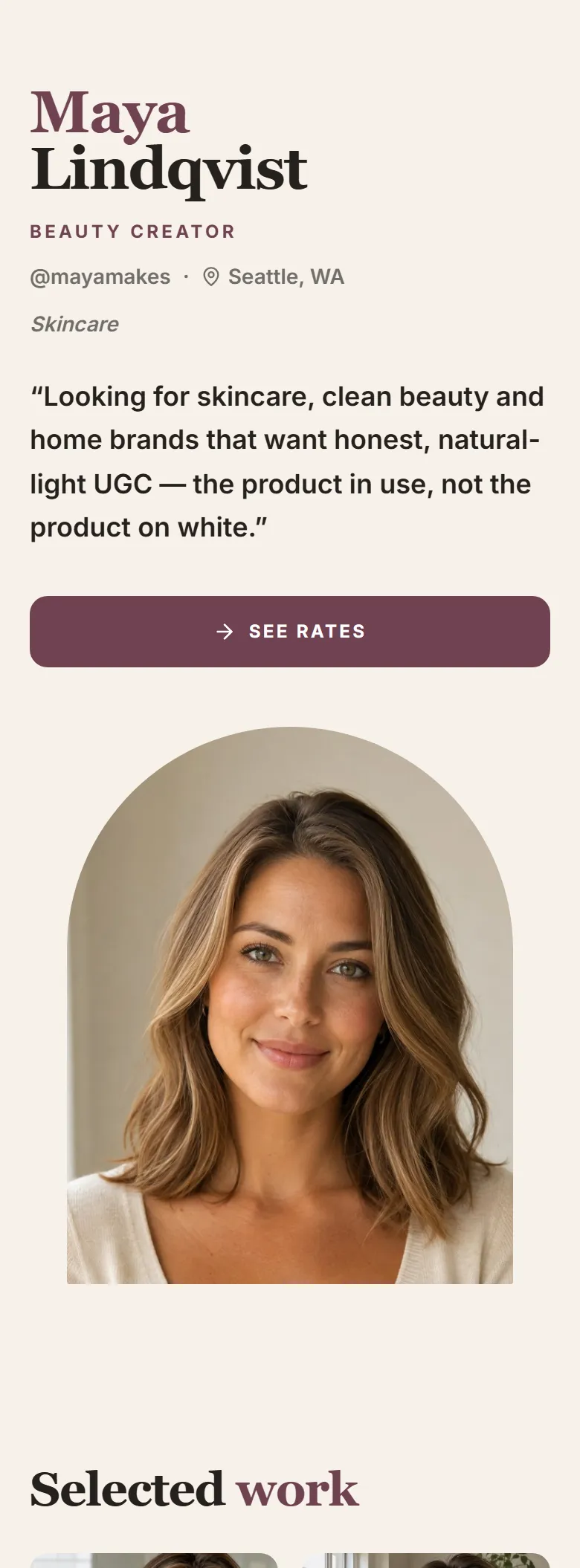
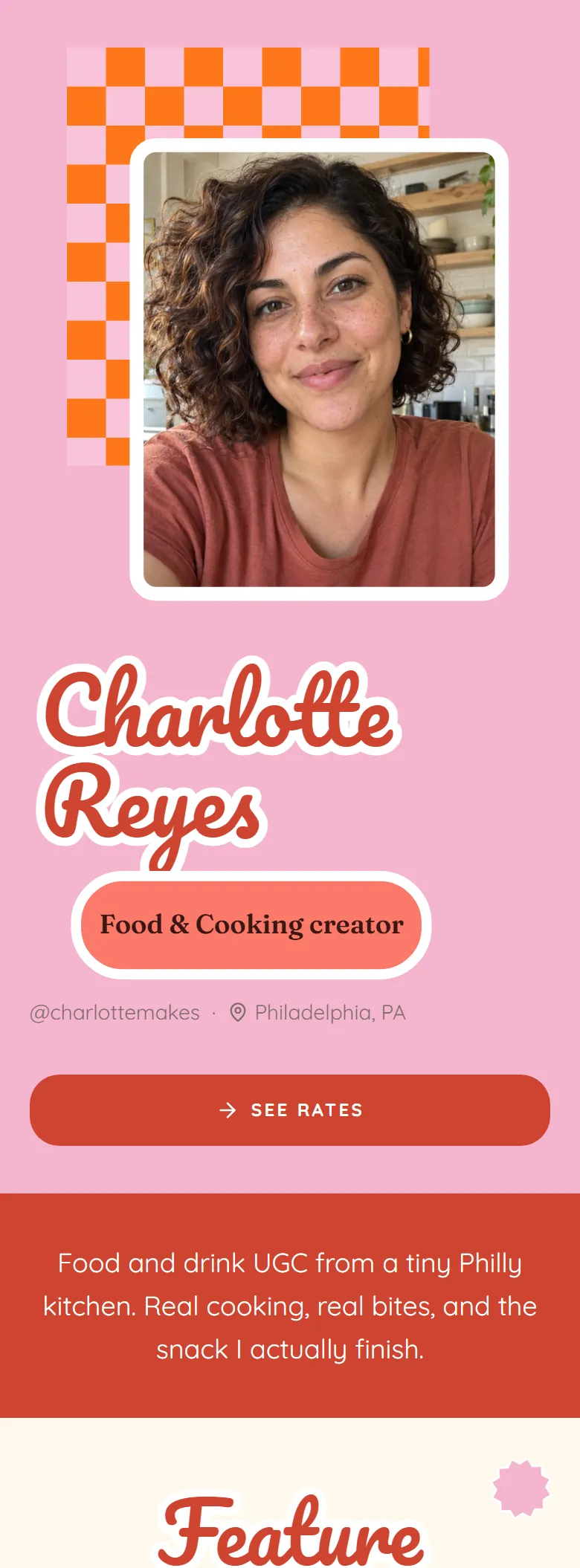
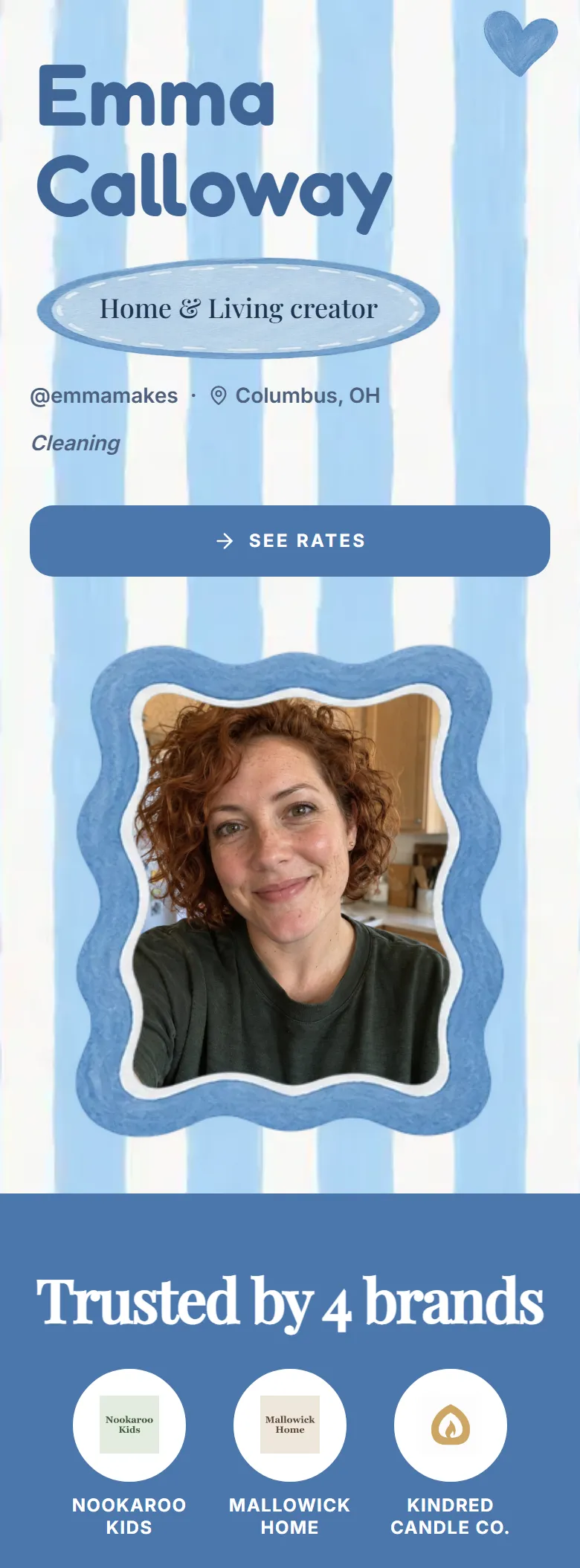
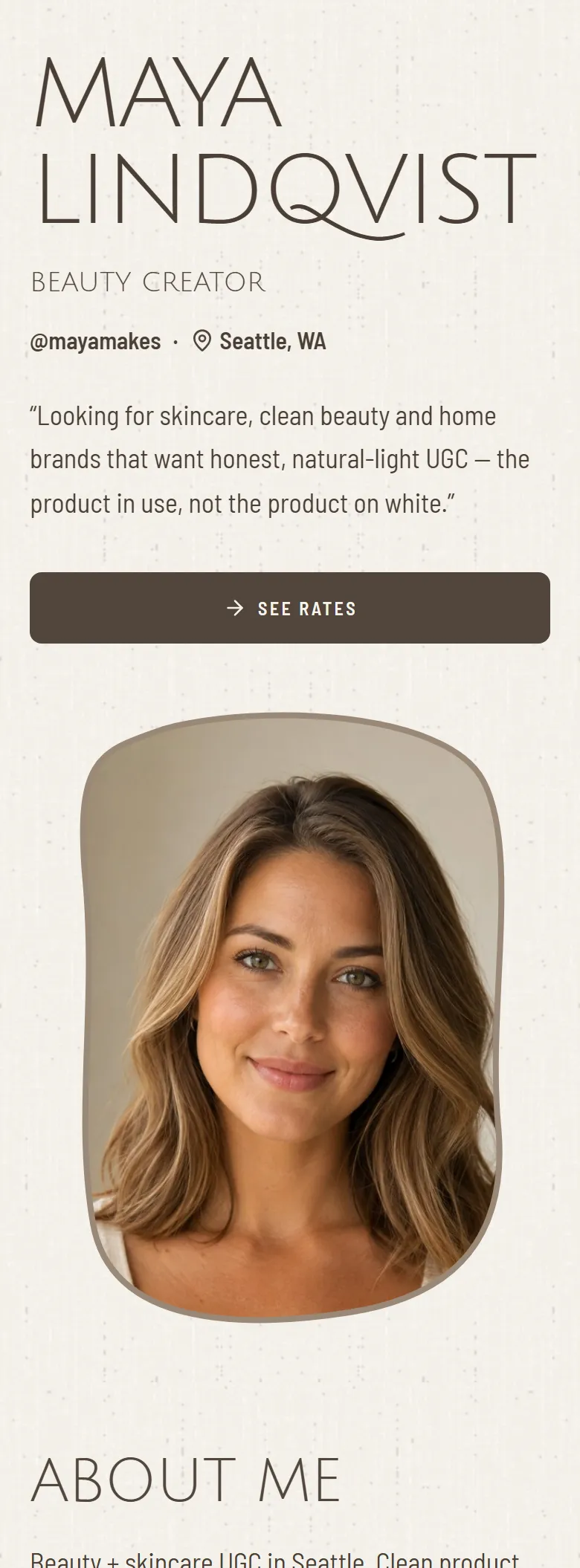
Pick a layout that feels like you.
18 free designs. Switch any time; your videos and photos stay put.

How do I make a UGC portfolio?
- 1Pick a layout
18 free designs, from calm and editorial to bright and playful. Switch any time; your videos and photos stay put.
- 2Add one sample
A short video or a photo with a product you already own. Free pages show up to six pieces of work, and one is enough to start pitching.
- 3Share your link
Publish, then paste your link into your bio and the end of every pitch. Edit it whenever you film something new.
A portfolio page, a Canva website, or a PDF?
| Compare | A Plug Pro page | A Canva website | A PDF media kit |
|---|---|---|---|
| Cost | Free, with a small Plug Pro badge | Free on a .canva.site address, with a Designed with Canva footer | Free |
| Made for | UGC creators pitching brands | Any kind of website | Attaching to an email |
| Hiring you | Your rates and an order button | A contact link you add yourself | “Email me for rates” |
| Keeping it current | Edit once; your link updates | Edit the design, then publish again | Export and send it again |
Canva details from Canva's help center. Already have a Canva site? Add an order button to it.
UGC portfolio questions, answered
Do I need followers to make a UGC portfolio?
No. Brands that buy UGC run the videos on their own accounts and ads, so they are paying for the video, not your audience. Your portfolio shows the videos. Follower counts can stay off the page entirely.
What if I have never made a UGC video?
Film one with a product you already own: a short demo or a talking-to-camera review in window light. That single sample is enough to publish your page and start pitching. Add more as you film them.
Is it really free?
Yes. Every layout is free, and so are your link, your rates, and the order button. Free pages show up to six pieces of work. Paid plans add custom colours and more saved designs, and no plan takes a cut of what brands pay you.
What is the difference between a UGC portfolio and a media kit?
A portfolio shows your work. A media kit adds your rates and, for influencers, audience numbers. On Plug Pro they are the same page: your samples, your rates, and a way for a brand to book you.
How is this different from a link-in-bio page?
A link-in-bio page is a list of links. A UGC portfolio plays your videos right on the page, says what you make and who it is for, and shows a brand how to hire you, which is what a brand needs before it says yes.