These two words get used like they mean the same thing, and for a UGC creator they almost do. But not quite, and the difference changes what you should build.
Quick definition if you're new: UGC (user-generated content) means short, natural videos of a real person using a product. Brands pay creators to make them and post them on their own accounts and ads.
The short version
| UGC portfolio | Media kit | |
|---|---|---|
| What it shows | Your work | Your work, your rates, and for influencers, audience stats like followers and views |
| Who needs it | Every UGC creator | Influencers selling posts to their own audience |
| Format | One web page | Traditionally a PDF, now often a web page |
Why the difference exists
The media kit comes from influencer marketing. When a brand pays an influencer, it's paying to reach that person's audience. So the brand needs numbers: how many followers, how many views a post gets, where the audience lives, how old they are. The media kit is where those numbers live.
UGC works differently. The brand posts your video on its own page or runs it as an ad. Your followers never see it unless they happen to follow the brand too. So the brand doesn't need your audience stats. It needs to know whether your videos are good, what you charge, and how to book you.
That's why I'd tell most UGC creators to skip the follower count entirely. It's not what's being bought, and a small number can make a brand hesitate for no good reason. The UGC creator vs influencer guide goes deeper on this split.
When a brand asks for a media kit, send this
Brands often say "media kit" out of habit. Usually, what they actually want is:
- your work, so they can see if you fit;
- your rates, so they know if you're in budget;
- a way to book you.
So send your portfolio link, with rates on it. That one page answers the question they meant to ask. If they really want audience numbers (some do, if they're also hoping you'll post to your own account), they'll ask again, and you can add a line about it.
What I wouldn't do is build a separate PDF just because someone used the word. A PDF has to be downloaded, doesn't open nicely on a phone, and goes out of date the minute you change a price. Then you're re-exporting and re-sending it forever.
One page that does both
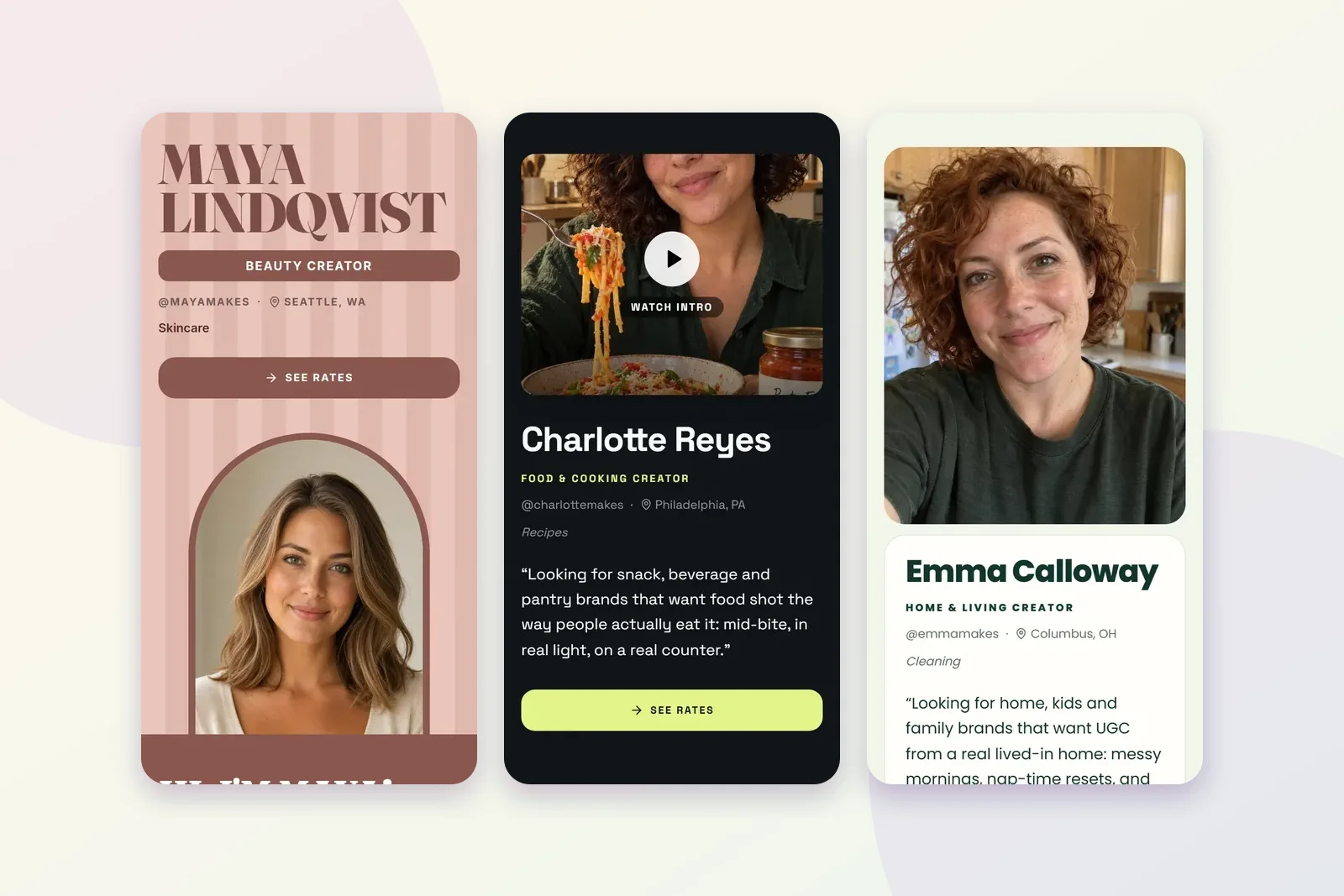
On Plug Pro, your portfolio and your media kit are the same page. Your samples sit at the top, your packages and prices sit below with what each one includes, and every package has an order button. When you change a rate or add a video, the link everyone already has shows the new version.
The media kit page shows what that looks like. If you haven't built anything yet, start with the free UGC portfolio: every layout is free, free pages show up to six pieces of work, and no plan takes a cut of what brands pay you. For setting your prices, the rate card guide helps.
What to put on a page that does both jobs
If your portfolio is also going to be your media kit, here's the checklist I'd use:
- Your name and one line. What you make and which kind of brand it's for.
- Three to six samples. Different kinds of video if you can: a demo, an unboxing, a talking-to-camera review.
- Your packages. What each one includes: how many videos, how long they run, how fast you deliver.
- Usage rights. How long the brand can use the video, and whether paid ads cost extra. The usage rights guide explains this part.
- A way to book. A button, not "DM me".
That's everything a brand needs to say yes. Notice what's missing: follower counts, engagement rates and audience age charts. For UGC, those are optional.
If you also post to your own audience
Some creators do both: UGC for brands' pages, and sponsored posts on their own accounts. If that's you, it's fair to add a short line with your audience, such as your main platform and roughly how many people follow you there. Keep it short and keep it honest. The videos still do the selling.
The bottom line
If you make UGC, build a portfolio and put your rates on it. That's your media kit. When a brand asks for one, send the link.