← All updates

Order with Plug: take UGC orders from your own website

Order with Plug is a button you place on your own website that sends brands into your Plug Pro order flow. It ships as a link, a PNG image for site builders like Canva, and an HTML snippet, and every order lands in your normal pipeline.

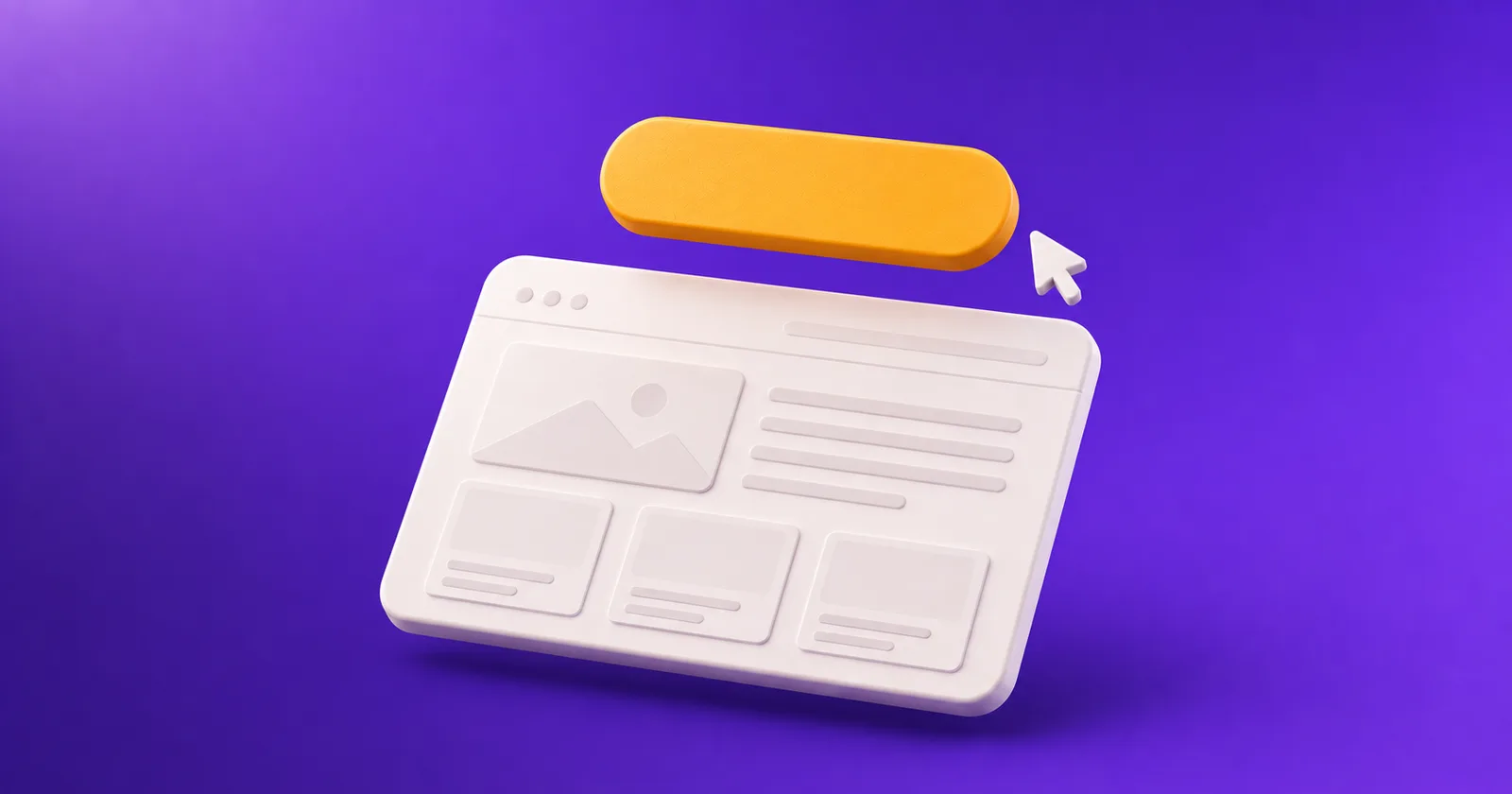
An amber pill button floating above a minimal webpage wireframe, with a cursor arrow approaching it

What's new

You do not have to move your site to Plug Pro to take orders through it. Settings now has a Website button page that mints three things you can put anywhere: an order link, a button image, and an HTML snippet.

How it works

  • The order link opens your full service menu, or one service if you pick a specific one. Attach it to any button or image you already have.
  • The PNG button comes in three styles, three sizes, and two colors. Hotlink it or download it. Site builders that only accept an image and a link, like Canva Sites, use this one.
  • The HTML snippet is a plain link wrapped around the image, so it survives the sanitizers most site builders run.
  • Orders arrive the same way. Every button leads into your existing order checkout, opens a deal with its own email thread, and gives the brand a pay page.

Who it's for

Creators with a site they already send brands to, who want Plug Pro handling the order, the thread, and the payment behind it.

See how it works

FAQ

Does it work on Canva Sites?

Yes. Canva Sites accept an image plus a link, so use the PNG button and attach your order link to it.

Can a brand order one specific service?

Yes. Each service you have turned on gets its own link, and the full menu has one too.

What happens if I turn a service off later?

The link redirects to your order menu instead of breaking, so a button on your site never leads to a dead page.

Try it on Plug Pro

Free to start. No card. Keep 100% of every deal.

plugd.cc/
plugd.cc/yourname
Start free